In the check presenter
One card at the register and one in each check presenter, so the ask comes with the bill.
PrintAWorld makes Google review tap cards: NFC cards with a QR code that open your Google review page when a customer taps the card with a phone or scans it. Pick one of our five templates on this page, type your business name and review link, and see your own card, front and back, before you ask for a quote. Every card is printed on both sides, programmed with your review link and tested on an iPhone and an Android phone, all in: $19 a card for a 5-card pack ($95), $17 for a 10-card pack ($170), $16 at 25, $14 at 50, $12 at 100, $9 at 250, $8 at 500 and $6.50 at 1,000, with no setup fee, plus tax and shipping. We supply the cards and ship anywhere in the U.S.
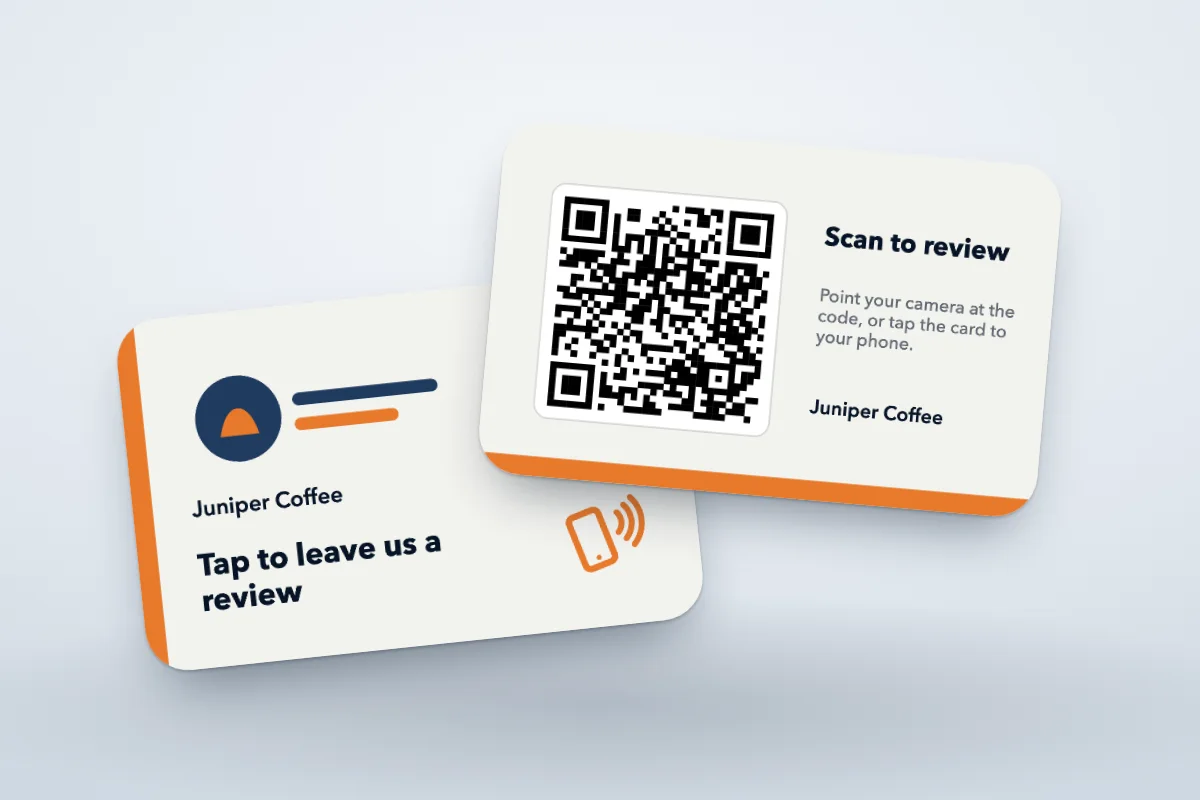
Pick a template, type your business name and your Google review link, add a logo and pick the colors. The QR code is drawn from your link as you type. Turn the card to check the back. Every field is optional, and the quote is one tap away with or without a design.
White card · 3.375 × 2.125 in
A layout preview, not the proof. We send a proof of both sides before we print.
The QR code is drawn from it. Add it later if you don’t have it yet.
$40025 cards · $16 a card, printed both sides, programmed and tested
PrintAWorld is not affiliated with, sponsored or endorsed by Google. Google and the Google logo are trademarks of Google LLC.
A customer holds a phone to the card and your Google review page opens, ready for stars and a few words. Phones without NFC, or with it turned off, scan the QR code on the card instead.
Every card has an NTAG215 chip, and we write your review link to it ourselves. There is no app for your customers to install and no account or subscription between the card and your page.
You order a finished card, not a blank to set up: we supply the card, print it on both sides, program it and test it. The smallest order is a 5-card pack.
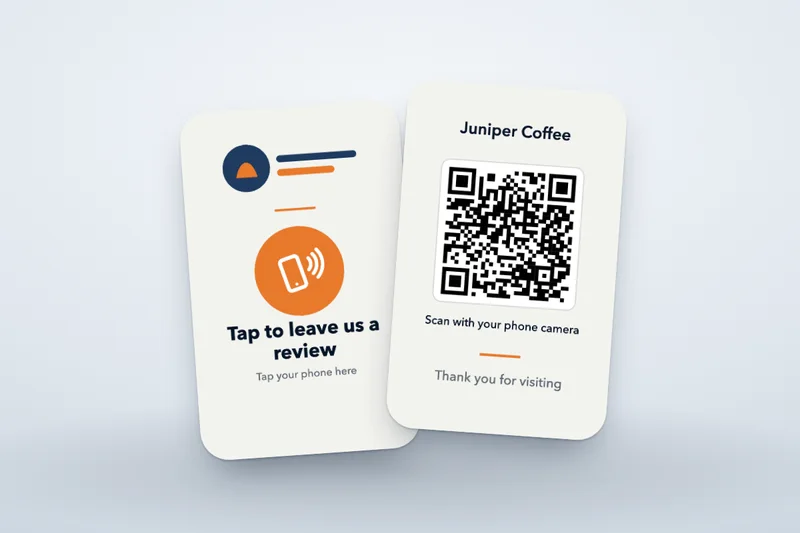
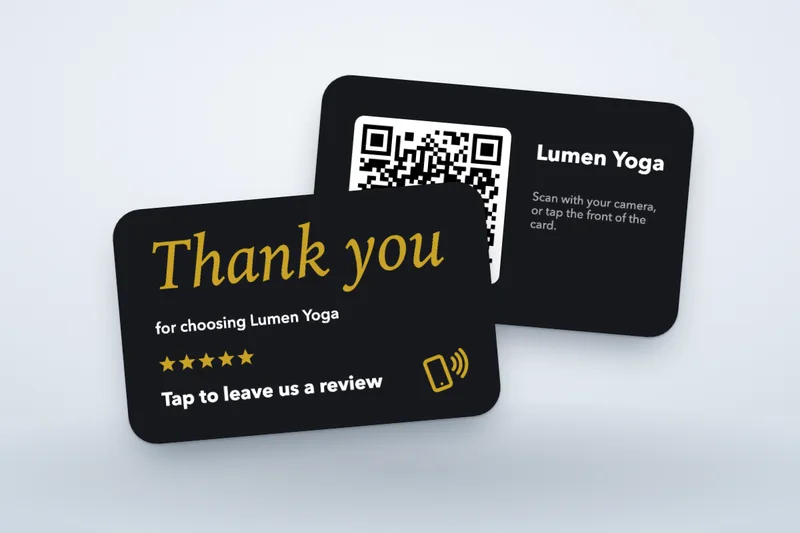
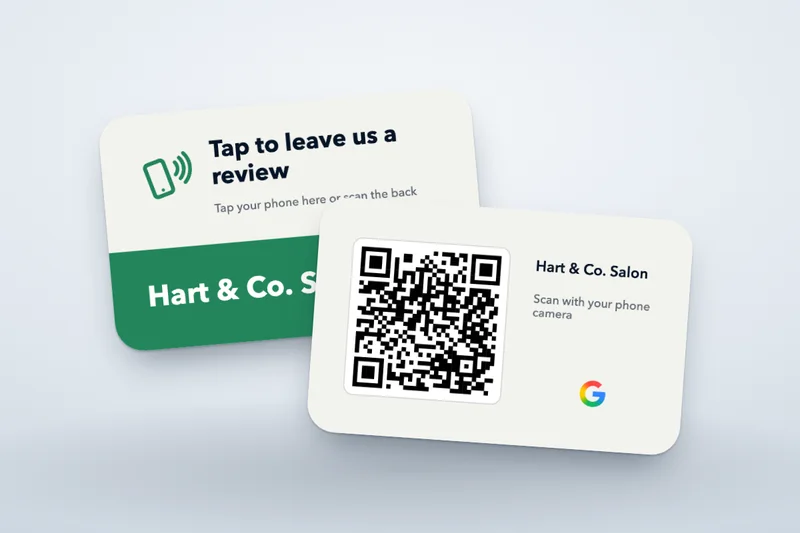
Cards drawn from the designer on this page, with example businesses. Your proof shows your own details before we print.
One card at the register and one in each check presenter, so the ask comes with the bill.
A card at checkout or at each station, right where the visit ends.
Plumbers, cleaners and installers hand the card over at the end of the job, or leave it behind.
A card on the checkout desk that opens the review page without a printed URL to type.
A card with every order, so a customer can leave a review once they have tried what they bought.
The classic review card: full color on white, edge to edge.
Matte black cards. We print white ink under the colors so they stay bright.
Every card is programmed with your review link and tested on an iPhone and an Android phone before it is packed. iPhone and Android read it without an app.
Drawn from your review link in dark ink on a light panel, so older phones and phones with NFC off can scan it.
Standard lead time is 2–3 weeks after you approve the proof. Tell us your date; rush is case by case.
Pick a template and type your details in the designer, or send your logo and review link and we set the card for you.
We send a proof of both sides with your link written out. Nothing is printed until you approve it.
We print both sides, write your review link to every card and tap each one on an iPhone and an Android phone.
Cards are packed and shipped to your ZIP, or picked up at our Brooklyn studio by appointment.
Each one is ours, laid out the way buyers expect a review card to look, so it reads well with any logo and any business name. 5 templates, both sides printed. Pick one to open it in the designer.
A tall badge for the counter: your logo, a tap symbol and the ask, with the code on the back.
Design with this templateYour brand on the front, a large code on the back. The most common review card layout.
Design with this templateOur review artwork on top and your logo in a color band, so it looks finished with any logo.
Design with this templateA tap symbol and the code side by side under a color banner, with your logo on the back.
Design with this templateA large thank-you on the front for after the visit, with the ask and the code on the back.
Design with this templateShown with example businesses. The Google G is off on every template until you switch it on in the designer. PrintAWorld is not affiliated with, sponsored or endorsed by Google. Google and the Google logo are trademarks of Google LLC.
| Quantity | Per card, all in |
|---|---|
| 5 card pack | |
| 10 card pack | |
| 25 cards | |
| 50 cards | |
| 100 cards | |
| 250 cards | |
| 500 cards | |
| 1,000 cards |
All in: the card, printing on both sides, your review link programmed on every card and every card tested on an iPhone and an Android phone. No setup fee. Packs of 5 or 10 under 25 cards; any count from 25.
No setup fee. The price per card is the whole price: the card, printing on both sides, programming with your review link and testing every card. Tax and shipping are added on the written quote. The smallest order is a 5-card pack.
At PrintAWorld, Google review tap cards cost $19 a card for a 5-card pack ($95), $17 for a 10-card pack ($170), $16 at 25, $14 at 50, $12 at 100, $9 at 250, $8 at 500 and $6.50 at 1,000, all in: the card, printing on both sides, your review link programmed on every card and every card tested on an iPhone and an Android phone. There is no setup fee. Tax and shipping are added on the written quote. Under 25 cards, they come in packs of 5 or 10.
Send what you have. We’ll reply with a written quote for each quantity, with no payment needed to ask.
The price per card is all in: the card itself, printing on both sides, your review link written to the chip and a tap test on an iPhone and an Android phone for every card before it is packed. There is no setup fee and nothing to set up when the box arrives.
One location usually starts with a 5-card pack or ten cards: one at the register and a few spares. Teams with servers, stylists or technicians who each carry a card, and businesses with more than one location, order from 25, where the price per card keeps falling.
The same review link goes on every card in an order. A misprinted card or one that does not scan is replaced free.
Plan a review card orderOur clients rarely leave online reviews, so these are from the emails they sent us after their projects, quoted as written.
“Thanks again for your help! The mugs were a huge hit!”
“Thank you again for all your help with this project. It was a pleasure working with you and your team. Until the next one!”
At PrintAWorld, Google review tap cards cost $19 a card for a 5-card pack ($95), $17 for a 10-card pack ($170), $16 at 25, $14 at 50, $12 at 100, $9 at 250, $8 at 500 and $6.50 at 1,000, all in: the card, printing on both sides, your review link programmed on every card and every card tested on an iPhone and an Android phone. There is no setup fee. Tax and shipping are added on the written quote. Under 25 cards, they come in packs of 5 or 10.
Each card has an NFC chip that holds your Google review link. A customer holds a phone near the card and the phone offers to open the link, which goes straight to your review form on Google. The QR code printed on the card opens the same page for phones that can't tap. The card has no battery and nothing to charge.
Yes. On an iPhone XS, XR or newer, hold the top edge of the phone near the card with the screen on. On an Android phone, hold the middle of the back near the card; NFC is on by default on most phones and can be turned on in settings. Any phone with a camera can scan the QR code instead.
No. The card opens your review link in the phone’s browser or the Google Maps app, with nothing to install. To post a review, Google asks the customer to be signed in to a Google Account.
Yes. The designer at the top of this page lets you pick one of our 5 templates, type your business name, review link and headline, add your logo, pick a black or white card and an accent color, and see your card front and back before you ask for a quote. If you already have a finished design of your own, our NFC cards page prints and programs your artwork.
One for each spot where a customer pays or finishes: the register, each check presenter, each stylist's station or each technician, plus a few spares. A single location usually starts with a 5-card pack or ten cards; teams and businesses with several locations order from 25.
On a computer, open your Business Profile (search for your business on Google while signed in to the account that manages it). Select Read reviews, then Get more reviews, then Copy. That is the link we program on your cards. Google also offers a QR code there, but you don’t need it: we draw the QR code from your link.
No. Google’s review link is tied to your Business Profile, not to a date, so it keeps working as long as the profile stays live. If the profile is ever replaced, for example by a new listing after a move, the link changes. The cards stay rewritable unless you ask us to lock them, so an unlocked card can be rewritten with a free NFC app; the printed QR code would need a reprint.
Every card is tested on an iPhone and an Android phone before it is packed, so each one opens your link when it leaves us. If one does not, tell us and send a photo: a misprinted card or one that does not scan is replaced free. The QR code on the card still opens your page.
Yes, if you switch it on in the designer. It is off by default. When it is on, we print Google’s official full-color G, unaltered, in a space of its own on the plain card, with no stars next to it, following Google’s guidance for businesses that ask for reviews. Without it, the card asks for a review in your own words with a tap symbol and a QR code.
No. PrintAWorld is not affiliated with, sponsored or endorsed by Google. Google and the Google logo are trademarks of Google LLC. We print and program review cards for businesses; your reviews and your Business Profile stay with you and Google.
Yes. Google lets businesses ask for reviews with a link or a QR code. Its rules ban offering anything in return for a review and asking only happy customers, so hand the card to every customer the same way. None of our templates offers a reward or filters reviews.
No. The same review link goes on every card in an order. For several locations, order a set for each location.
Standard lead time is 2–3 weeks after you approve the proof, plus shipping. Tell us your in-hand date when you ask; rush is quoted case by case.
Yes, anywhere in the United States. We pack the cards and ship them to your ZIP, with shipping added to the written quote, or you pick up from our Brooklyn studio by appointment.
Send a design from the designer, or just your logo and review link, and how many cards. We’ll reply with a proof plan and a written quote.
Get a review card quote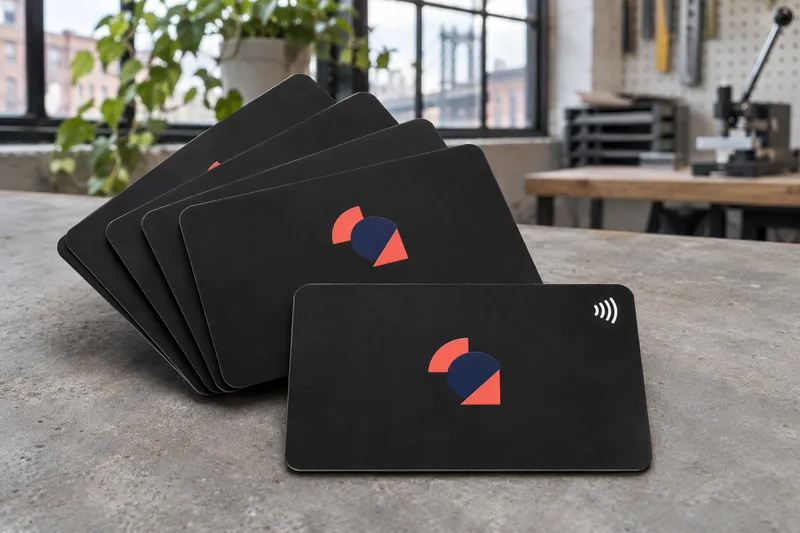 Tap cardsCustom NFC cardsBlack or white NFC cards printed on one or both sides, programmed with your link.
 CardsMetal business cardsBlack, stainless and brass cards with a name on each, plus VIP cards.
 TransfersCustom UV DTF stickersFull-color transfers from your artwork, applied by us or shipped as sheets.
Pricing from PrintAWorld’s published review card packs and NFC card price table · Updated